
Everything your drivers need, even with no signal
Routyn Drive puts the planned trip on the driver’s phone, captures proof of delivery and sends real results back to the office.
From first stop to last, in one app
Receive the trip
The approved plan arrives on the driver’s phone with every stop, time window and order.
Drive in the best order
Follow the planned sequence, or change it on the road when the situation calls for it.
Deliver and prove it
Capture a signature, a photo or a barcode scan, or record a contactless delivery.
Handle returns and exceptions
Record returns, refused items and failed deliveries at the stop, with a reason.
Keep working offline
No signal? Records, photos and signatures are saved on the phone and nothing is lost.
Sync with planning
Back online, real times and results flow to the office automatically.
What your drivers see
Routyn Drive is available for iPhone and Android. Your drivers sign in with their Routyn account.
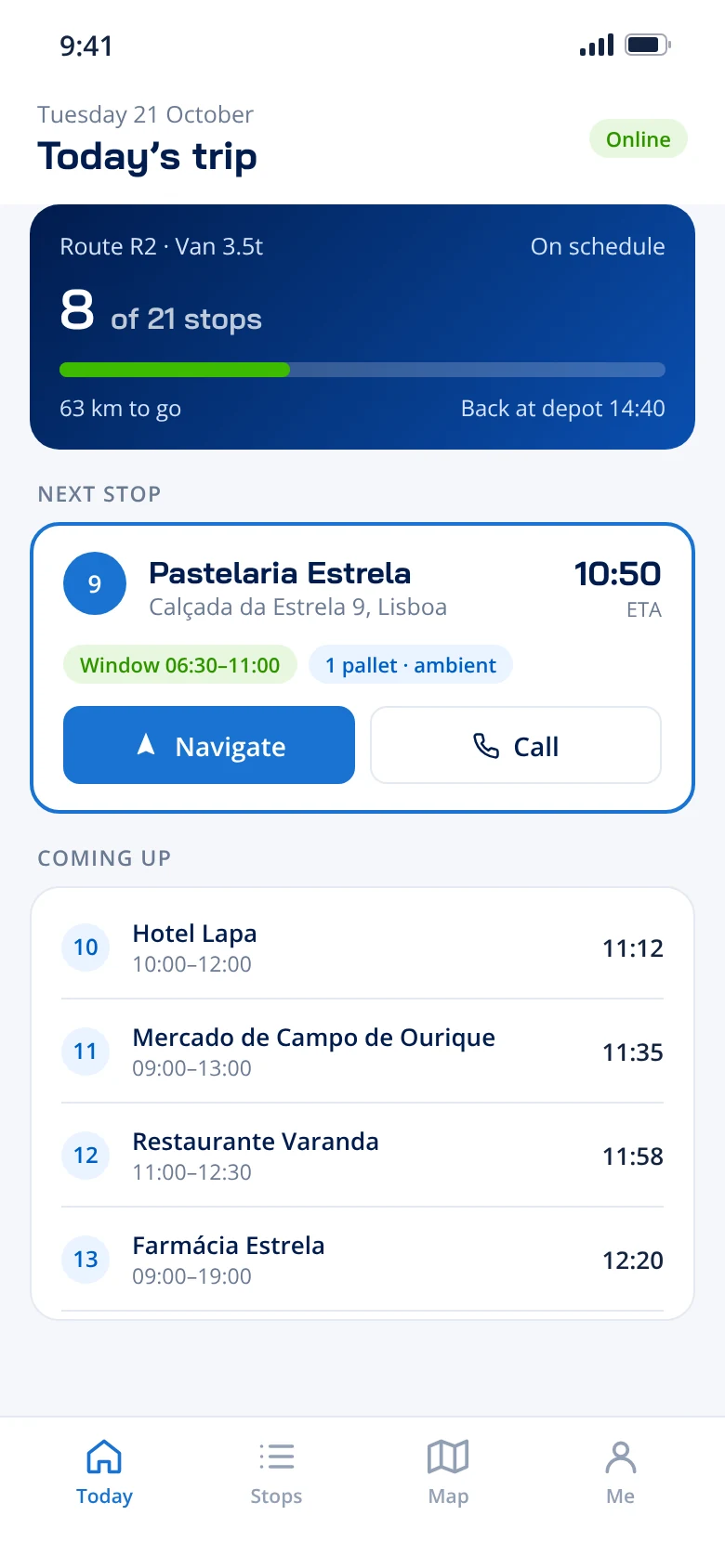
Today’s trip
Progress, the next stop with its time window, and what comes after.
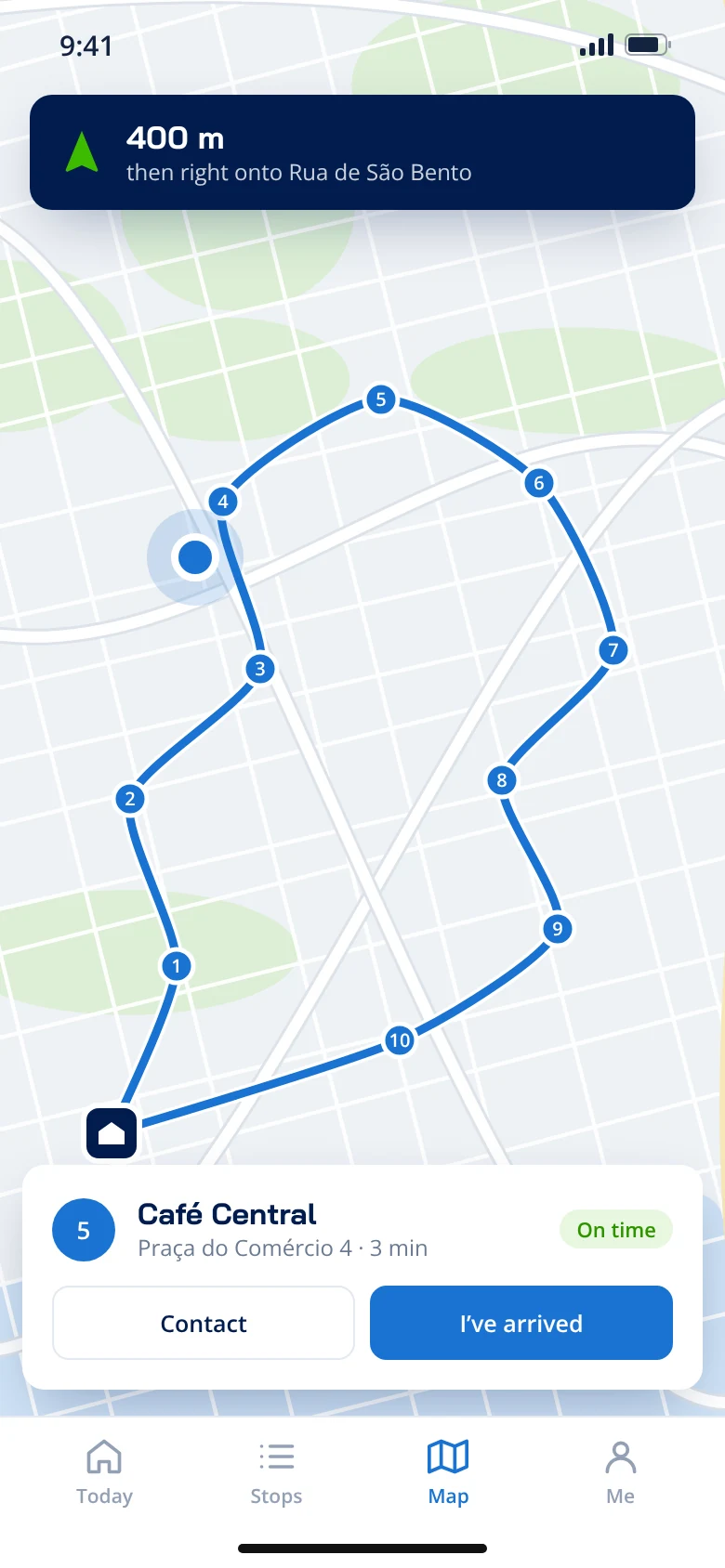
On the road
The route on the map, stop by stop, with navigation to each address.
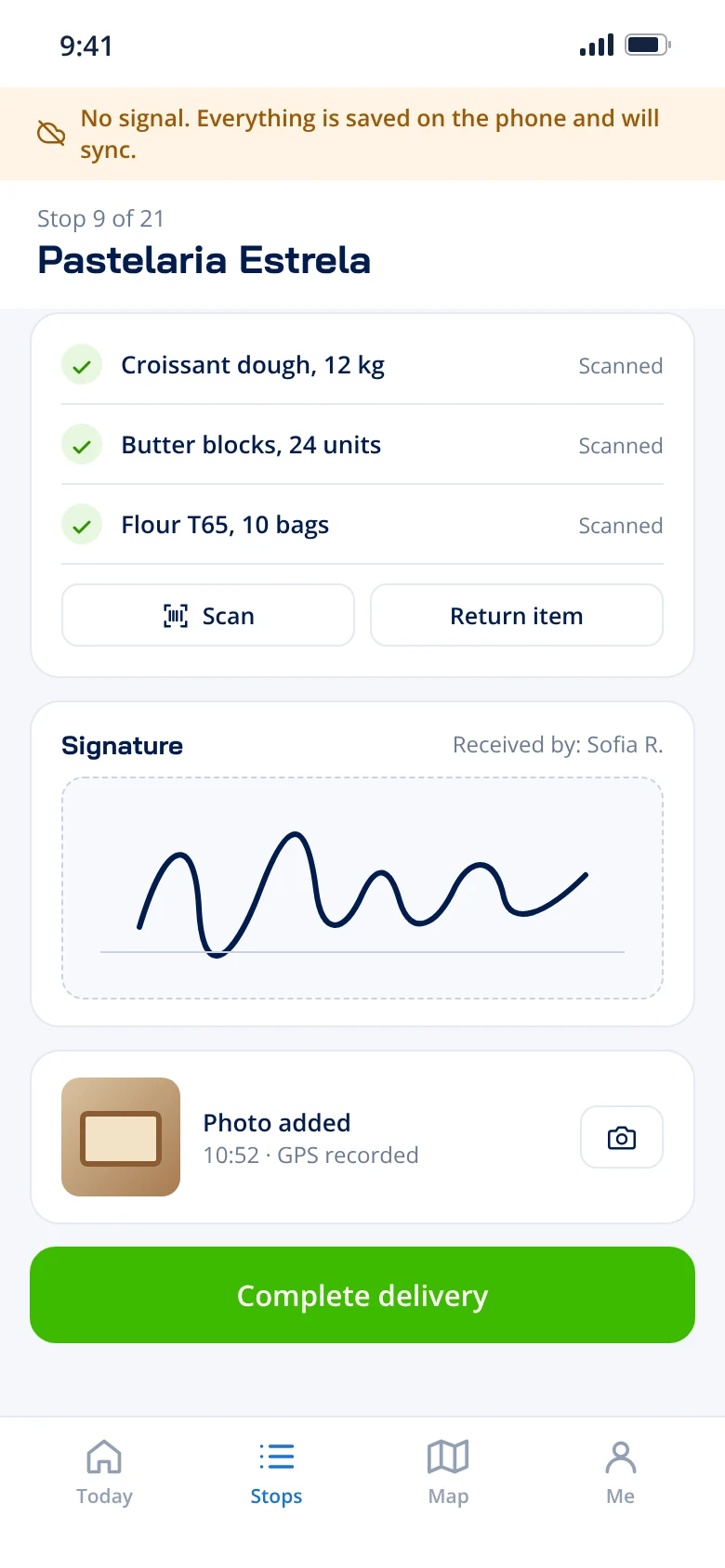
At the stop
Scan items, record returns, and capture a signature and photo, even offline.
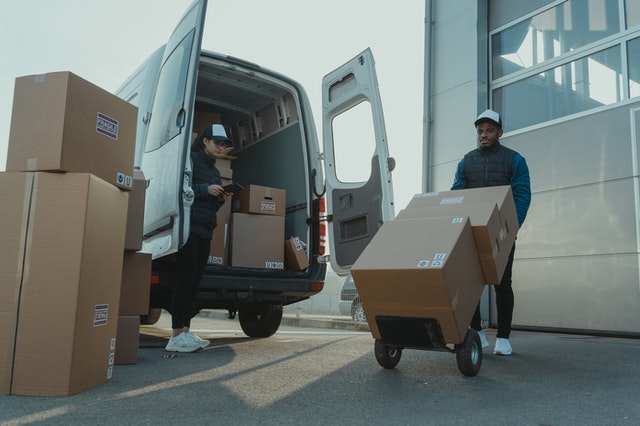
The plan and the road stay in sync
Because Routyn Drive shares its data with Last Mile Planning, planners see what really happened: actual arrival times, delivered and returned items, and proof for every stop.
- No double entry between office and road
- Better plans tomorrow from real times today
- Proof ready when a customer asks
What Routyn Drive does
Proof of delivery
Signature, photo, scan or contactless.
Offline first
Works without signal and syncs on its own.
Returns
Returns and exceptions recorded at the stop.
Live results
Actual times and outcomes reach planning.
Navigate to the stop
Open each address in the driver’s navigation app.
Customer contact
Contact details and remarks for every stop.
Quick onboarding
One short hands-on session and a reference card.
Your own app instead
Already have a driver app? Connect it through the Routyn API.
Which phones does Routyn Drive run on?
iPhone and Android. Download it from the App Store or Google Play and sign in with your Routyn account.
Does it work without mobile signal?
Yes. Drivers keep working offline: deliveries, photos and signatures are stored on the phone and sync automatically when the signal returns.
Can drivers use their usual navigation app?
Yes. From each stop, drivers can open the address in their navigation app.
What proof of delivery can drivers capture?
A signature, a photo, a barcode scan or a contactless delivery record, plus returns and the reason for any failed delivery.
We already have a driver app. Can we keep it?
Yes. Your app can receive trips and send execution events back through the Routyn API.
Put Routyn Drive in your drivers’ hands
We’ll show you a full trip, from the planner’s screen to proof of delivery.